Piezo Speaker
Play a scale on a piezo speaker with PWM (picoruby-pwm).
Instead of a plain on/off output, emit a waveform. PWM lets you dim an LED, drive a servo — or, as here, make sound.
Parts
- A piezo speaker (passive, no built-in oscillator)
Circuit
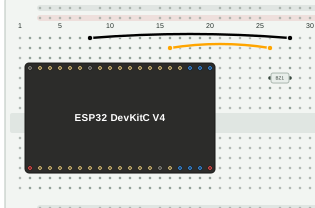
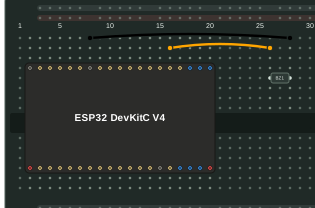
| From | To |
|---|---|
| GPIO2 | Piezo speaker (one lead) |
| Piezo speaker (other lead) | GND |
A piezo speaker has no polarity, so either lead can go to either pin.
Program
require 'pwm'

pwm = PWM.new(2, frequency: 330)

loop do
  [261, 294, 330, 349, 392, 440, 494, 522].each do |f|
    pwm.frequency(f)
    pwm.duty(50)
    sleep_ms(800)
    pwm.duty(0)
    sleep_ms(100)
  end
end
With picoruby-pwm, you only give a pin number, a frequency and a duty
cycle. The array lists the frequencies (Hz) of do-re-mi-fa-sol-la-ti-do.
Setting the duty to 0 between notes silences the speaker.
Run
Save the program as pwm.rb and put it in /home on the device (see
File Transfer), then run it from the shell:
$> ./pwm.rb
The speaker should play the scale from C up to the high C, over and over.
On this page