UART Echo
Talk to a PC over serial with UART (picoruby-uart).
UART (serial) is the classic way for devices to talk to each other. Here the ESP32 echoes back every character it receives.
Parts
- A USB-to-serial converter module (3.3 V logic)
Circuit
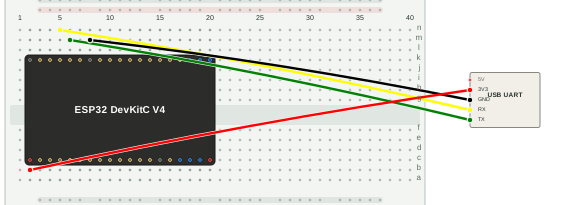
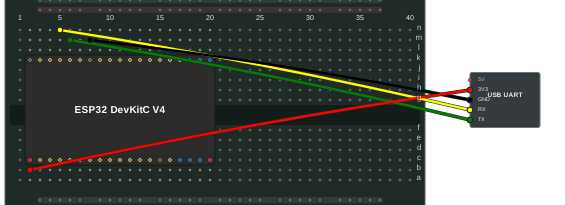
| USB serial module | ESP32-DevKitC |
|---|---|
| TX | RX |
| RX | TX |
| GND | GND |
| 3V3 | 3V3 |
| 5V | not connected |
TX and RX are crossed: one side’s transmitter goes to the other side’s receiver.
Note:
RX/TXon the DevKitC are GPIO3/GPIO1, i.e. UART0, which the board’s on-board USB bridge also uses. Both connections share these pins.
Program
require 'uart'

uart = UART.new(unit: 'ESP32_UART0', txd_pin: 1, rxd_pin: 3)
loop do
  str = uart.read
  unless str.nil?
    uart.write(str)
  end
  sleep_ms(10)
end
The program reads whatever arrives and writes it straight back.
Run
Plug the converter’s USB into your PC. It shows up as a second serial port. Open it with a terminal program, for example:
$ screen /dev/ttyUSB0
(The device name differs by OS, e.g. /dev/tty.usbserial-* on macOS.)
Then save the program as uart.rb, put it in /home on the device (see
File Transfer), and run it from the shell:
$> ./uart.rb
Type in the screen window: the characters you type are echoed back.
On this page